
De online interface voor uw wallbox
Het KEBA eMobility Portal is de nieuwe digitale oplossing voor pc en tablet van KEBA. Als een uitbreiding op de KEBA eMobility App biedt het u extra configuratiemogelijkheden en een browsergebaseerde interface voor het eenvoudig beheren en aansturen van meerdere laadpunten vanaf een laptop of kantoorcomputer. Daarnaast biedt het nieuwe eMobility Portal u alle functies van de KEBA-webinterface – en nog veel meer: u kunt er elke KeContact P40, P40 Pro, P30 x-serie, PV EDITION en de bedrijfswagen-wallbox mee beheren en configureren.
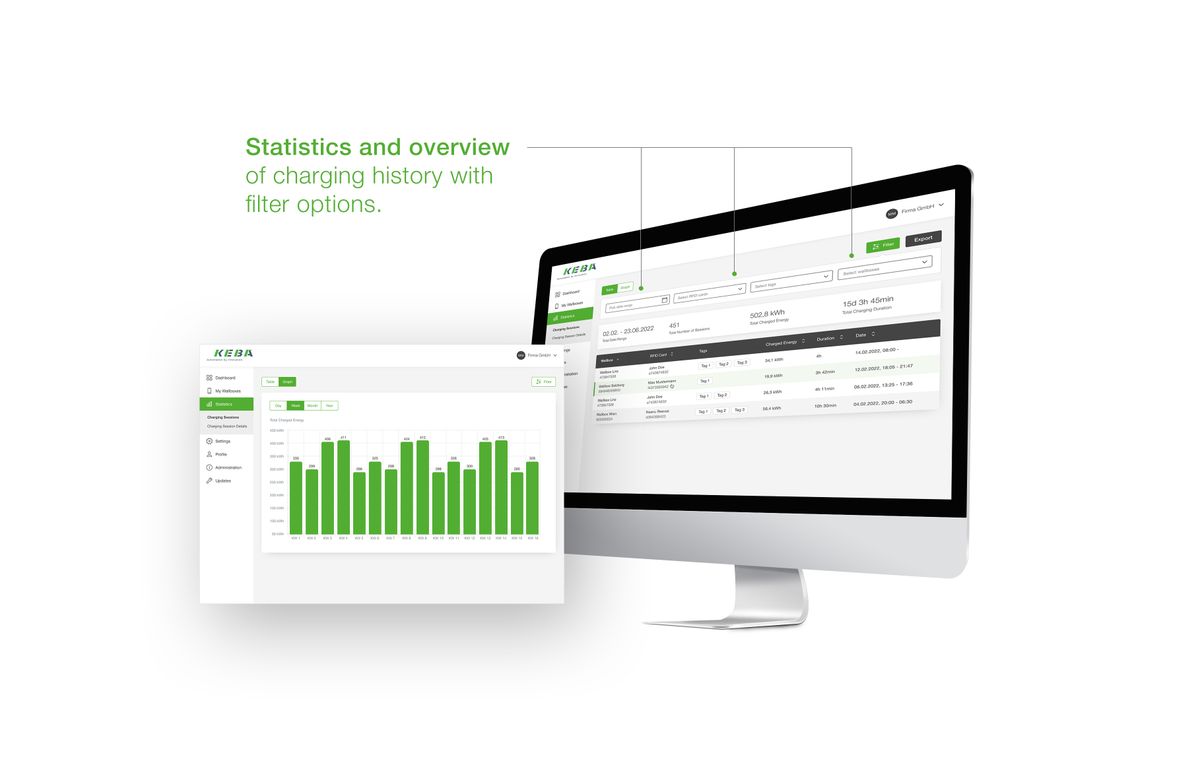
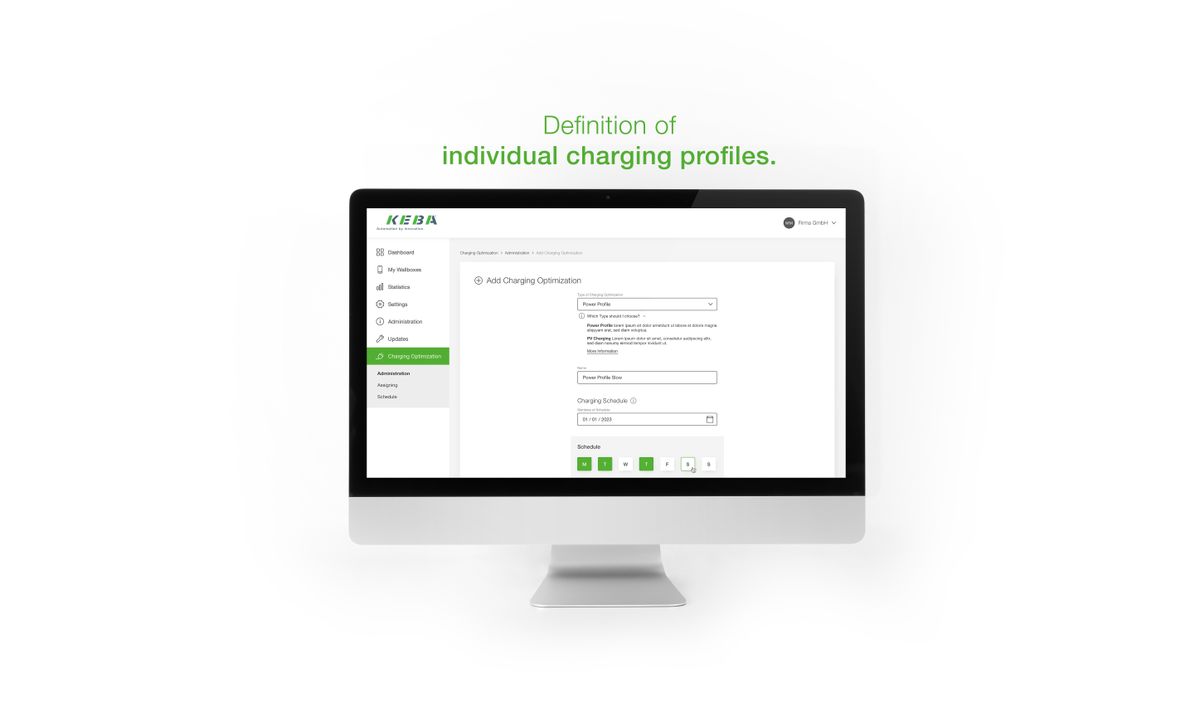
Beheer wallbox- en portalgebruikers en organiseer alle laadpunten naar wens. Updates van de wallbox zijn in het eMobility Portal ook kinderspel. Wilt u laadprocessen analyseren en exporteren? Het portal maakt dit eenvoudig met diverse filteropties. U kunt bovendien prestatieprofielen aanmaken en configureren. Zo kunt u bijvoorbeeld voor elke wallbox een individueel laadplan opstellen.
Registreer nu en test het nieuwe KEBA eMobility Portal!


Inloggen in het portal
Of gebruik de bestaande inloggegevens van de app

Sluit wallbox(en) aan
Heel eenvoudig met de KEBA eMobility App

Bedienen en beheren
Eenvoudig beheer van uw laadstations via pc en tablet

Gratis
tot en met 2025
Gebruik voor maximaal 2 wallboxen ook na deze datum gratis

Voor meer functionaliteit
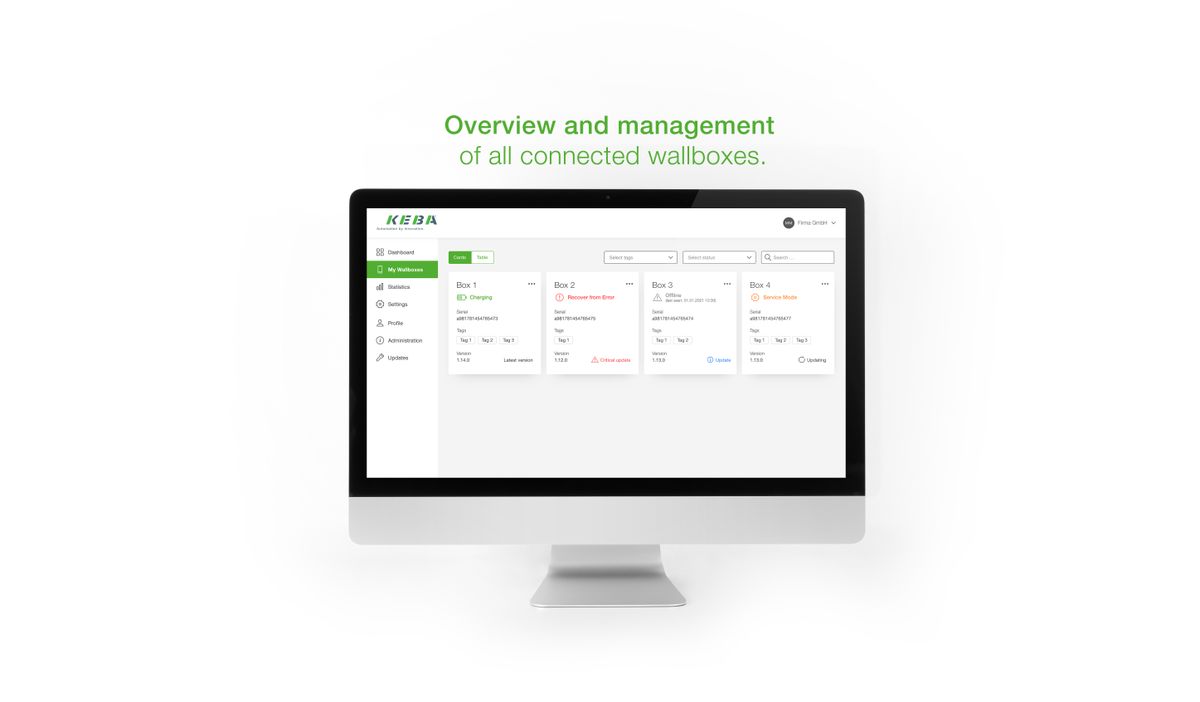
Naast de KEBA eMobility App fungeert het KEBA eMobility Portal als de interface tussen u en uw laadstation of volledige laadnetwerken. Na het inloggen kunt u een breed scala aan functies gebruiken op uw pc of tablet:
- Meerdere wallboxen op verschillende locaties beheren
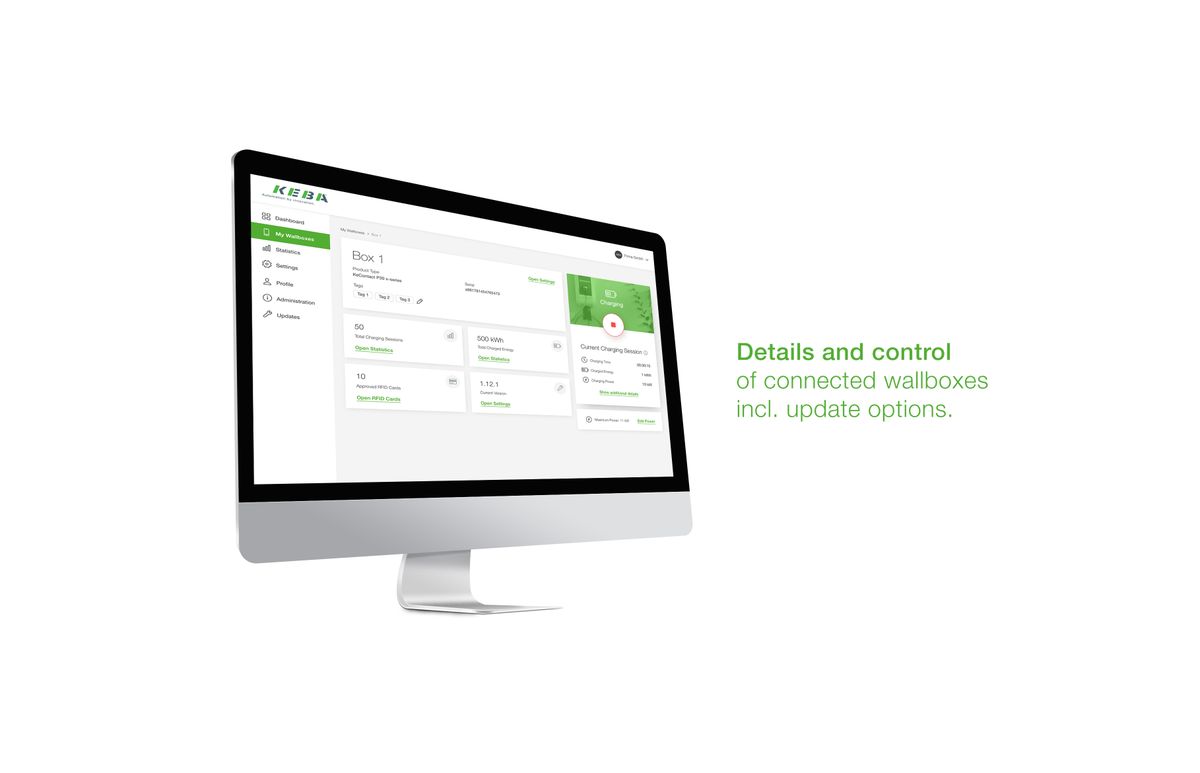
- Details van verbonden wallboxen bekijken, inclusief laadsessies en update-opties via remote toegang
- Laadtijdvensters vooraf plannen, inclusief gedefinieerd maximaal vermogen door het aanmaken van laadplannen (vermogensprofielen)
- Wallboxen labelen voor een duidelijkere toewijzing
- Laadsessies filteren op basis van RFID-kaarten, wallboxen, enz.
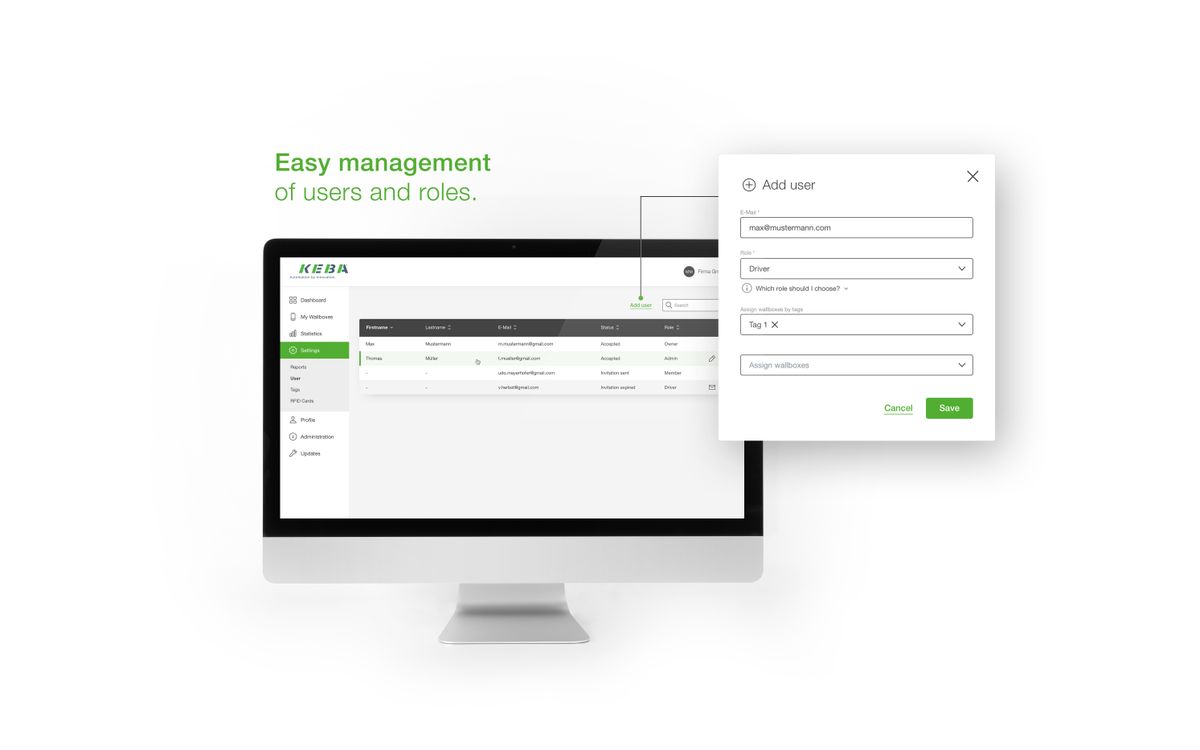
- Rollen en rechten van verschillende gebruikers beheren
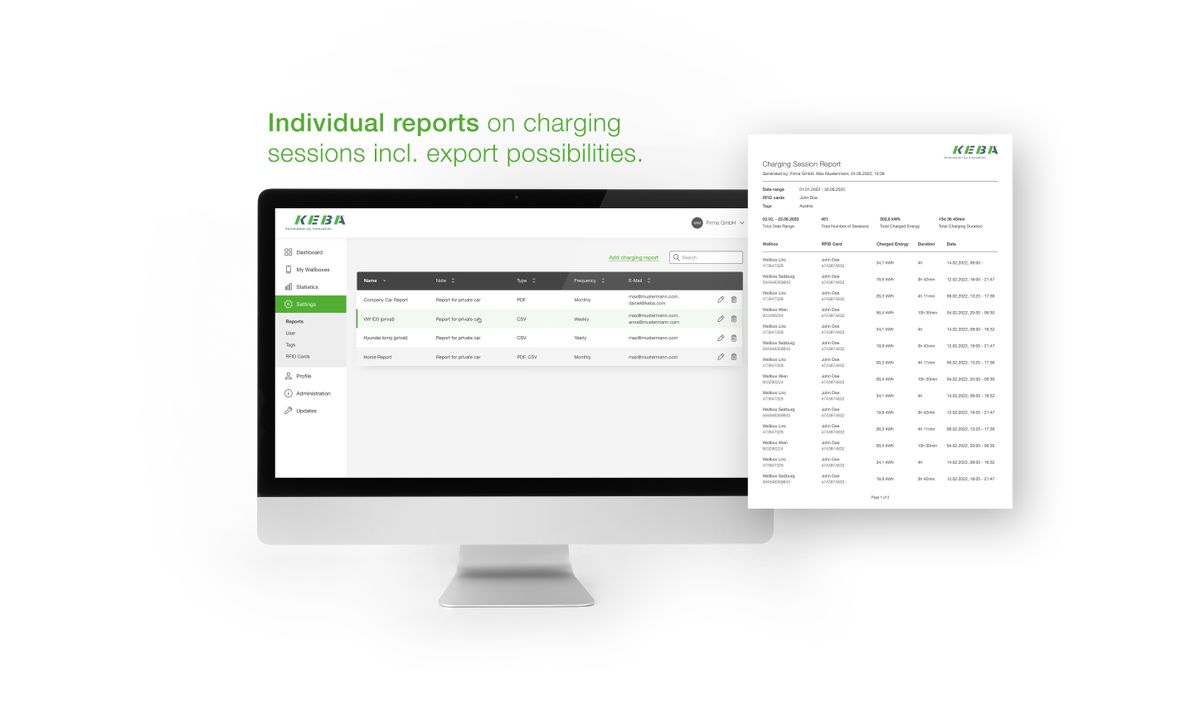
- Individuele rapporten en statistieken maken, inclusief exportmogelijkheden
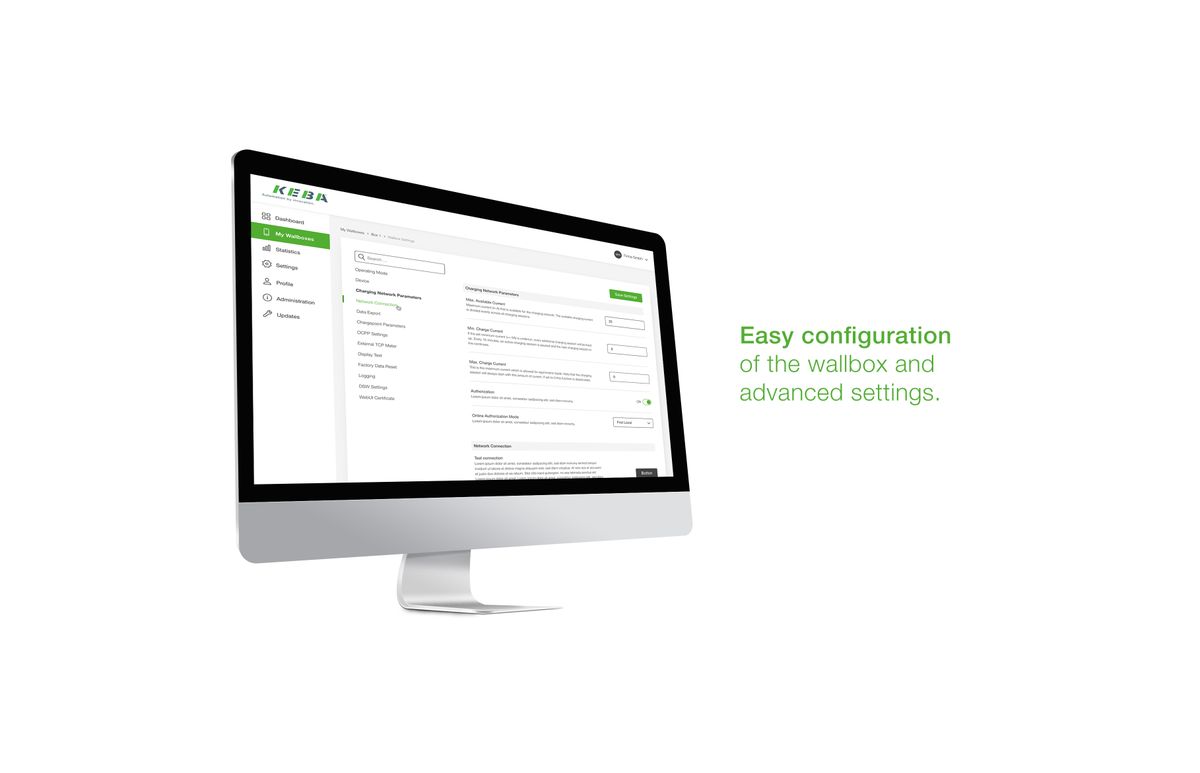
- Uitgebreide configuratieopties voor wallboxen gebruiken
Het KEBA eMobility Portal kan nu al veel – en binnenkort nog veel meer. Dit komt doordat wij het aantal functies van ons portal voortdurend uitbreiden. U kunt zich nu al verheugen op de volgende aankomende functies:
- Automatisch laadrapporten per e-mail verzenden
- RFID-kaarten toevoegen, verwijderen en beheren
- Volledige integratie van master-client-laadnetwerken (x-serie / M20 + clients)




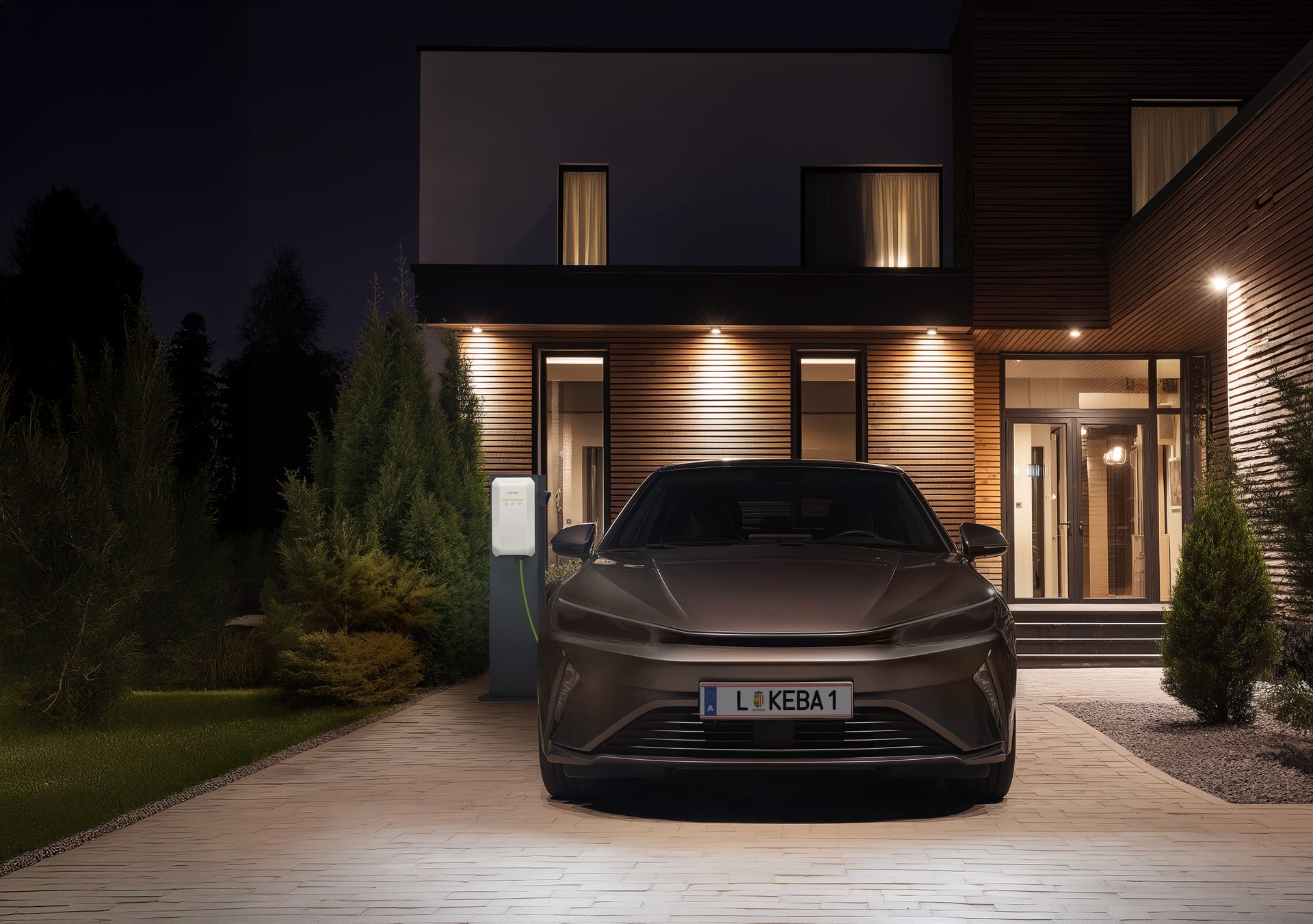


Welkom in de digitale KEBA-wereld
Met het KEBA eMobility Portal en de KEBA eMobility App heeft u de toekomst van laadtechnologie in handen.
- Gebruik beide diensten met één gebruikersaccount
- Eenvoudige en mobiele bediening onderweg met de app
- Volledige controle en overzicht op de pc met het portal

eMobility Portal-overzicht
stand-alone | stand-alone | stand-alone | (x- en c-serie als client) | (M20 en c-serie als client) | (M20 & P40/ P40 Pro als client of M20 & x-serie als client) | laadnetwerken | wallboxen (x-serie/ P40/ P40 Pro) | ||||||||||
| eMobility Portal | eMobility Portal | ||||||||||||||||
| Overzicht van wallboxen |  | - | | - | - | - | - | | |||||||||
| Wallboxdetails | | - | | - | - | - | - | | |||||||||
| Start/stop (pauzeren) van de wallbox | | - | | - | - | - | - | | |||||||||
| Schuifregelaar voor maximaal laadvermogen (kW) | | - | | - | - | - | - | | |||||||||
| RFID-kaartbeheer | | - | | | Q1/2025 | 2025 | | | |||||||||
| RFID card management | | - | | Q4/2024 | Q1/2025 | 2025 | Q4/2024 | | |||||||||
| Volledig RFID-kaartbeheer | Q1/2025 | - | Q1/2025 | Q1/2025 | Q1/2025 | 2025 | Q1/2025 | Q1/2025 | |||||||||
| Automatische wallbox-update | | - | | | Q1/2025 | 2025 | | | |||||||||
| Instellingen | | - | | | Q1/2025 | 2025 | | | |||||||||
| Fouten-/pushmeldingen | | - | | | Q1/2025 | 2025 | | | |||||||||
| Tagging | | - | | Q4/2024 | Q1/2025 | 2025 | Q4/2024 | | |||||||||
| Filteren | | - | | | Q1/2025 | 2025 | | | |||||||||
| Gebruikersbeheer (incl. rechten en rollen), profielinstellingen / wisselen van account | | - | | | Q1/2025 | 2025 | | | |||||||||
| Gebruiker beperken tot wallbox(en) | | - | | | Q1/2025 | 2025 | | | |||||||||
| PV-optimalisatie | | - | | - | - | - | - | | |||||||||
| Vermogensprofielen | | - | | Q4/2024 | Q1/2025 | 2025 | Q4/2024 | | |||||||||
| Laadsessies lokaal exporteren als rapport | | - | | | Q1/2025 | 2025 | | | |||||||||
| Geautomatiseerd laadrapport | | - | | | Q1/2025 | 2025 | | | |||||||||
| Master-client netwerkinstellingen | - | - | - | | Q1/2025 | 2025 | | - | |||||||||
Veelgestelde vragen
Heeft u nog vragen over het KEBA eMobility Portal? Wij hebben de antwoorden op de meest gestelde vragen voor u verzameld. Meer antwoorden vindt u op onze FAQ-pagina.



Bedankt voor uw aanvraag. Onze KEBA Customer Support neemt spoedig contact met u op.